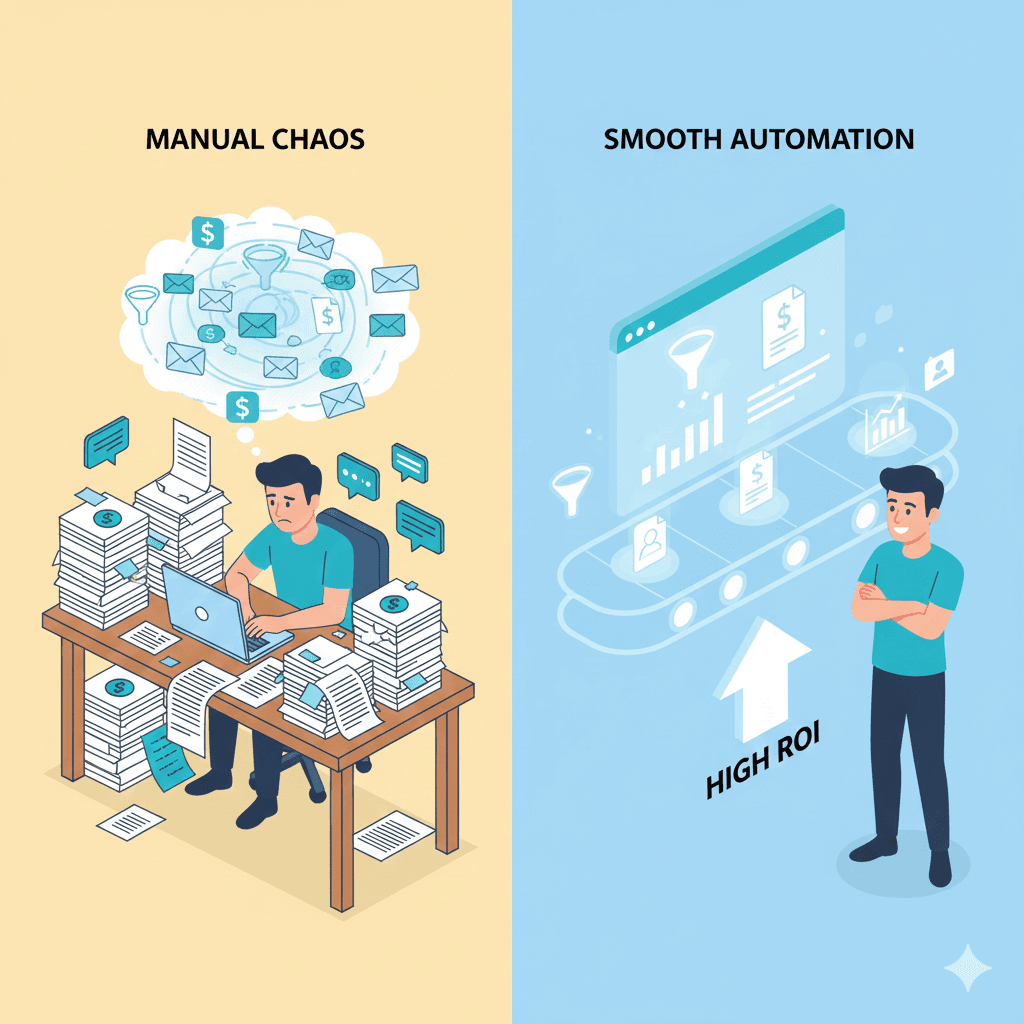
Most businesses run on muscle memory. A lead comes in, someone follows up. An invoice needs to go out, someone opens a template. A support ticket hits the inbox, and the triage begins. These processes feel necessary and they are but the manual handling isn't. That’s where automation steps in.
Beneath the surface of your day-to-day lies a stack of repeat tasks perfect for automation. Not with massive enterprise systems or a six-figure IT bill but with tools you already use or can adopt easily. Here’s where to look and what kind of returns you can expect.
1. Lead Follow-Up: Stop Losing Deals to Delay
Workflow: A lead fills out a contact form. You (or someone on the team) manually send an email or assign them in the CRM when you remember.
Automate It:
Auto-create lead in CRM (HubSpot, Salesforce, Zoho).
Trigger a personalized welcome email.
Assign to a rep based on territory or workload.
Create a follow-up task if no response in 3 days.
Tool Stack: Zapier, Make, HubSpot Workflows, Mailchimp
ROI Snapshot:
Manual follow-up time per lead: ~10 mins
Leads per month: 400
Time saved: 66 hours/month
Hourly rate: $30
Monthly savings: ~$2,000
Setup cost: Under $500 and a few hours
2. Invoicing: No More “Oops, We Forgot to Bill”
Workflow: Services rendered → someone remembers to create an invoice → sends manually → chases payment → maybe adds it to the books later.
Automate It:
Trigger invoice creation once project status hits "complete."
Auto-send via Stripe or QuickBooks.
Set reminders every 7 days until paid.
Sync with your accounting tool.
Tool Stack: QuickBooks Online, Xero, Stripe, Integromat, Airtable Automations
ROI Snapshot:
Manual invoicing time per client: ~15 mins
Clients/month: 150
Time saved: 37.5 hours/month
Hourly rate: $40
Monthly savings: ~$1,500
Improved cash flow: Priceless
3. Support Ticket Triage: Kill the Queue
Workflow: A support email hits the shared inbox. Someone reads, routes, assigns, tags, and escalates. Repeat 100+ times a day.
Automate It:
Auto-tag based on keywords or sentiment.
Route tickets to the right team.
Assign high-priority ones to senior agents.
Trigger status updates to customers.
Tool Stack: Zendesk, Freshdesk, Help Scout + AI tools like Forethought or Tidio
ROI Snapshot:
Manual triage per ticket: ~2 mins
Tickets/day: 100
Time saved: 3.3 hours/day
Monthly savings: ~$2,000
Customer wait time cut in half
4. Reporting: Stop Making That Weekly Deck
Workflow: Every Friday, someone pulls data from five platforms, copies it into a spreadsheet, and makes a report. Next week, rinse and repeat.
Automate It:
Auto-pull data from analytics tools.
Build dashboards in Google Data Studio, Power BI, or Looker.
Schedule reports to send via Slack or email.
Tool Stack: Google Sheets + Data Studio, Supermetrics, Power BI, Zapier
ROI Snapshot:
Manual reporting time/week: ~5 hours
Time saved: 20 hours/month
Hourly rate: $50
Monthly savings: $1,000
More frequent insights = faster decisions
Bonus Wins That Stack Up Fast
New hire onboarding: Auto-send paperwork, tool access, and first-week tasks
Social media: Schedule content once a week, publish across platforms
Reminders & internal nudges: Auto-ping people when deadlines approach
The Real Play Here? Compounding Efficiency
Each of these automations alone saves hours. Combine them across teams and you start to buy back weeks of effort monthly. That time goes to higher-impact work selling, supporting, building. Not clicking through admin tasks.
Most businesses don’t need a full automation overhaul. Start small. Automate the next task that repeats three times this week. Get the win. Then automate another.
Efficiency doesn’t come from doing more. It comes from doing less of the stuff that doesn’t require a human. Your operations are full of those moments. Make them disappear.